
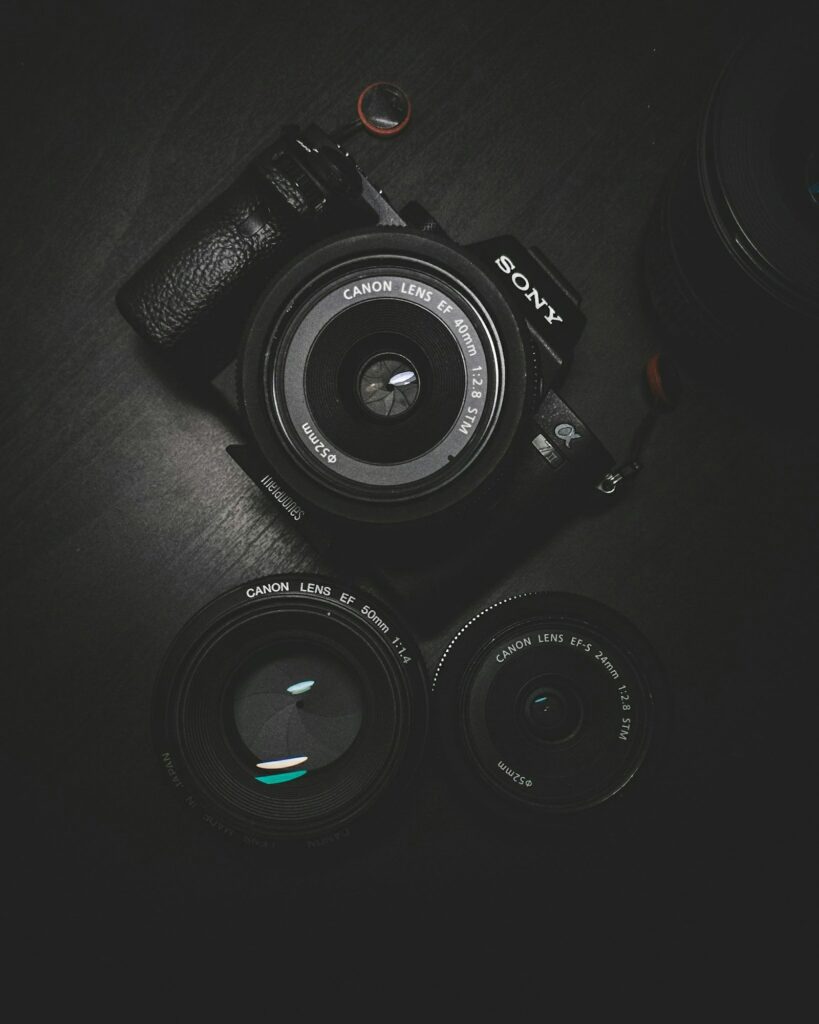
Blog Photography for UK Bloggers: How to Take Stunning Photos Without Expensive Equipment in 2026
If you think you need a £2,000 camera to take beautiful blog photos, think again. Some of the most successful UK bloggers use nothing more than their smartphones and a bit of know-how. In this guide, you will learn how to take stunning blog photos without spending a fortune on equipment. Whether you run a food blog, a fashion blog, or a lifestyle blog, good photography makes all the difference to your readers.
Why Blog Photography Matters More Than You Think
Let us be honest. Readers judge your blog by its visuals. A post with a blurry, dark, or poorly composed photo will lose credibility fast. On the flip side, a clean, well-lit photo can double your engagement and keep people reading. According to research, articles with relevant images get 94 percent more views than those without. For UK bloggers, where competition is fierce, good photography is your secret weapon.
You do not need a DSLR. You do not need a studio. You just need to understand a few basic principles, and you can start taking professional-looking photos with the gear you already own.
The Only Equipment You Actually Need
Here is the truth. Most London-based bloggers I know use an iPhone or a Google Pixel for their photos. The camera technology in modern smartphones is incredible. Unless you are shooting for print magazines, a smartphone camera will give you more than enough quality for the web.
What you really need:
- A smartphone with a decent camera (any flagship from the last three years will do)
- Natural daylight (window light is your best friend)
- A clean background (a plain wall, a wooden table, or a piece of fabric)
- A free photo editing app (Snapseed, Lightroom Mobile, or Canva)
- A tripod (you can get a decent one for under £20 on Amazon UK)
That is it. Everything else is optional. If you want to level up later, you can invest in a ring light or a reflector, but do not let the lack of gear stop you from starting today.
How to Take Great Blog Photos Using Natural Light
Lighting is everything in photography. The good news is that the UK has plenty of soft, diffused natural light that works beautifully for blog photos. Here are some practical tips:
- Shoot near a window: Place your subject (food, product, or yourself) next to a window. North-facing windows give the softest light, but any window works.
- Avoid direct sunlight: Harsh midday sun creates strong shadows. Overcast days are actually perfect for photography because the clouds act as a natural diffuser.
- Use reflectors: A simple piece of white card or foil can bounce light onto the shadow side of your subject. It costs pennies and makes a huge difference.
- Golden hour magic: The hour after sunrise and the hour before sunset gives warm, golden light. This is perfect for lifestyle and fashion blog photos.
If you are taking photos indoors in the evening, invest in a small LED light panel. You can find them on Amazon for around £30. They plug into your phone and give you consistent lighting no matter the time of day.
Composition Rules Every UK Blogger Should Know
Composition is how you arrange elements in your frame. Good composition draws the eye and keeps readers engaged. Here are the most important rules:
- The rule of thirds: Imagine a 3×3 grid over your photo. Place your subject where the lines intersect. Most phone cameras have a grid overlay you can turn on in settings.
- Negative space: Leave empty space around your subject. This makes your blog photos look clean and professional, especially for flat lays.
- Leading lines: Use lines in your scene (a table edge, a path, a fence) to guide the viewer’s eye to your subject.
- Fill the frame: Get close to your subject. Do not leave too much distracting background.
Practice these rules, and soon they will become second nature. The best UK bloggers make composition look effortless because they have practised it hundreds of times.
Best Free Photo Editing Apps for UK Bloggers
Even the best photos need a little editing. The good news is you do not need Photoshop. These free apps are all you need:
- Snapseed: Google’s free editing app. It has everything: brightness, contrast, selective adjustments, and healing tools. It is the only app most bloggers need.
- Lightroom Mobile: Adobe’s mobile app gives you professional-grade colour correction. The free version is enough for most blog photos.
- Canva: Perfect for creating Pinterest pins, social media graphics, and blog collages. It also has basic photo editing.
- VSCO: Known for its beautiful filters. Great if you want a consistent aesthetic across your blog.
When editing, remember: less is more. Over-edited photos look unnatural. Adjust brightness, increase contrast slightly, and sharpen just a touch. Your blog SEO also benefits from well-optimised images with proper file names and alt text.
How to Create a Consistent Photo Style for Your UK Blog
One thing that separates amateur blogs from professional ones is consistency. When readers scroll through your blog, they should feel like all the photos belong to the same brand. Here is how to achieve that:
- Choose a colour palette: Stick to 3-4 colours for props, backgrounds, and editing tones. Warm tones (browns, creams, oranges) work well for lifestyle blogs. Cool tones (blues, greys, whites) suit minimalistic design blogs.
- Use the same editing preset: Most editing apps let you save presets. Create one preset and apply it to every photo before publishing. This takes five seconds per photo.
- Shoot in the same location: Having a dedicated photography spot (a specific table, a windowsill, a corner of your room) makes your photos consistent without any extra effort.
Consistency builds trust. Readers who recognise your photo style are more likely to return. It also makes your blog look more professional when you pitch to brands for collaborations.
Smartphone Camera Settings You Should Change Right Now
Before you take another blog photo, check these settings on your phone:
- Turn on the grid: This helps you apply the rule of thirds.
- Adjust exposure: Tap your subject on the screen, then swipe up or down to adjust brightness. Most people’s photos are too dark.
- Use portrait mode for close-ups: This creates a blurred background (bokeh) that makes your subject stand out.
- Shoot in HDR mode: HDR captures more detail in shadows and highlights, giving you a more balanced photo.
- Clean your lens: Seriously. Phone lenses get greasy from pockets and hands. A quick wipe can dramatically improve sharpness.
What to Do If You Only Have an Older Phone
Not everyone has the latest iPhone. If your phone is a few years old, do not worry. Here is how to make the most of it:
- Use a tripod to eliminate camera shake. Older phones need more light, and a tripod lets you use slower shutter speeds without blur.
- Shoot in good light. Older sensors struggle in low light, so stick to daytime or well-lit indoor shots.
- Edit carefully. Snapseed’s selective adjustment tool can brighten dark areas of your photo without blowing out the highlights.
- Consider a clip-on lens. You can buy a macro or wide-angle lens that clips onto your phone for under £15.
Your phone is more capable than you think. Some of the most viral blog photos I have seen were taken on an iPhone 8. It is not about the gear. It is about how you use it.
How to Optimise Blog Photos for Web Performance
Beautiful photos are useless if they slow down your site. UK readers expect fast loading times. Here is how to optimise your images:
- Resize before uploading: Most blog photos only need to be 1200-2000 pixels wide. Anything bigger is wasted load time.
- Compress your files: Use TinyPNG or Squoosh to reduce file size by up to 80 percent without losing visible quality.
- Use WebP format: WebP images are 30 percent smaller than JPEGs. WordPress converts images to WebP automatically if your host supports it.
- Add descriptive alt text: Alt text helps visually impaired readers and boosts your SEO. Describe what is in the photo naturally.
For more on optimising your blog, check out our guide on blog SEO for UK bloggers. Good performance combined with good SEO is how you grow your blog consistently.
Final Thoughts: Start Taking Better Blog Photos Today
You have everything you need to start taking stunning blog photos right now. Your smartphone, natural light, and a bit of practice are enough to elevate your blog from average to professional. Focus on lighting first. Then work on composition. Then build a consistent editing style. Each small improvement will compound over time and make your blog more attractive to readers and brands alike.
If you found this guide helpful, you might also enjoy our posts on repurposing blog content for social media and essential blogging tools for UK bloggers. Happy shooting!

Hi, I’m Axton, a writer, and blogger with a passion for sharing my thoughts and ideas on a variety of topics. From personal experiences to cultural trends. Join me as we explore new ideas and engage in thought-provoking discussions together!